// blog
Hands-on data engineering
Step-by-step tutorials on Spark, Delta Lake, lakehouse formats and SQL, with code you can run.
-
Latest tutorial
Spark Chapter 12 Spark Streaming with Apache Kafka
Read the tutorial →: Spark Chapter 12 Spark Streaming with Apache KafkaPublish and consume Kafka messages, read them with Spark Structured Streaming, and write the stream to files or a database.
Latest posts
-
Spark ETL Chapter 5 with Hive tables
Create global and temporary Hive tables and views in Spark, and run ETL to and from Hive.
-
Spark ETL Chapter 4 with Cloud data lakes (AWS S3 bucket)
Extract, transform and load data with Spark, using an AWS S3 bucket as both source and destination.
-
Spark ETL Chapter 3 with Cloud data lakes (Azure Blob | Azure ADLS)
Spark ETL with Azure Blob Storage and Azure Data Lake Storage: connect, read data and write the results back.
-
Spark ETL Chapter 2 with NoSQL Database (MongoDB | Cassandra)
Read from and write to MongoDB and Cassandra with Spark, using the official connectors for ETL.
-
Spark Installing external Packages
Three ways to install external packages in Spark: from Jupyter, from the PySpark terminal and with spark-submit.
-
Spark ETL Chapter 1 with SQL Databases (MySQL | PostgreSQL)
Spark ETL with MySQL and PostgreSQL: read tables over JDBC, transform them and write the results back.
-
Spark ETL Chapter 0 with files (CSV | JSON | Parquet | ORC)
Read and write CSV, JSON, text, Parquet and ORC files with Spark, the first step in the Spark ETL series.
-
Spark ETL | ELT | Data Connections
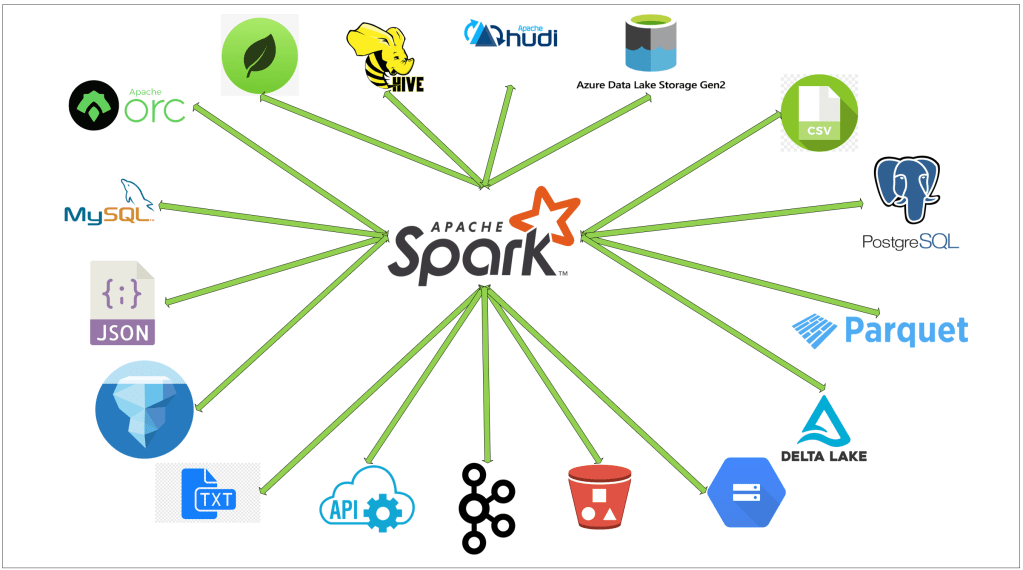
How Spark ETL and ELT work, and how to install the libraries Spark needs to connect to different data sources.
-
Data Engineering Problem 8 (Top distance travelled by rider)
Find the top 10 users by total distance travelled, solved in SQL and PySpark with the key concepts explained.
Written by Kalpan Shah
Principal Data & AI Solution Architect in Brisbane, Australia, with 10+ years designing lakehouse, Apache Spark and AI solutions on Azure, Databricks and Microsoft Fabric. This blog is where I write down how things actually work, one runnable example at a time.

