Previous blog/Context:
In an earlier blog, we discussed Spark ETL with Cloud data lakes (AWS S3 bucket). Please find below blog post for more details.
Introduction:
In this blog, we will discuss HIVE tables/views and we will do ETL with Hive tables. We will learn about how to create global and temporary hive tables and deal with them. We will create all these hive tables on our Spark instance only. (We can also create hive tables on external location)
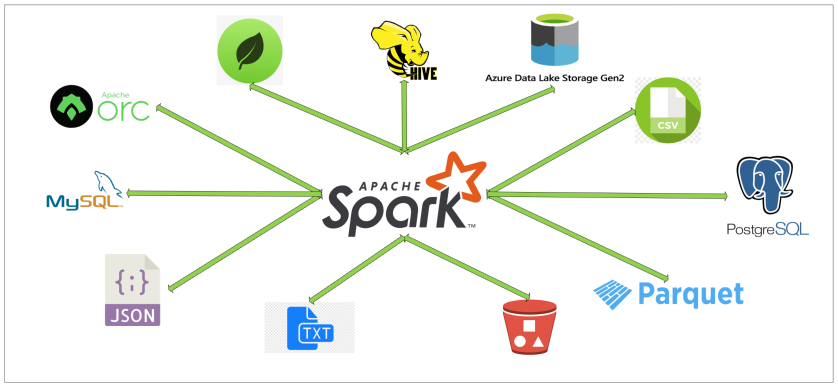
Today, we will perform below Spark ETL operations
- Read data from one of the sources (We take source as our MongoDB collection)
- Create dataframe from source
- Create Hive table from dataframe
- Create temp Hive view from dataframe
- Create global Hive view from dataframe
- List database and tables in database
- Drop all the created tables and views in default database
- Create ‘Dataeng’ database and create global and temp view using SQL
- Access global table from other session
First clone below GitHub repo, where we have all the required sample files and solution
https://github.com/developershomes/SparkETL/tree/main/Chapter5
If you don’t have setup for Spark instance follow earlier blog for setting up Data Engineering tools in your system. (Data Engineering suite will setup Spark, MySQL, PostgreSQL and MongoDB in your system) In that Spark instance we already have packages installed for Azure blog storage and Azure Data Lake Services.
Read Data from Source (MongoDB) & create dataframe from source
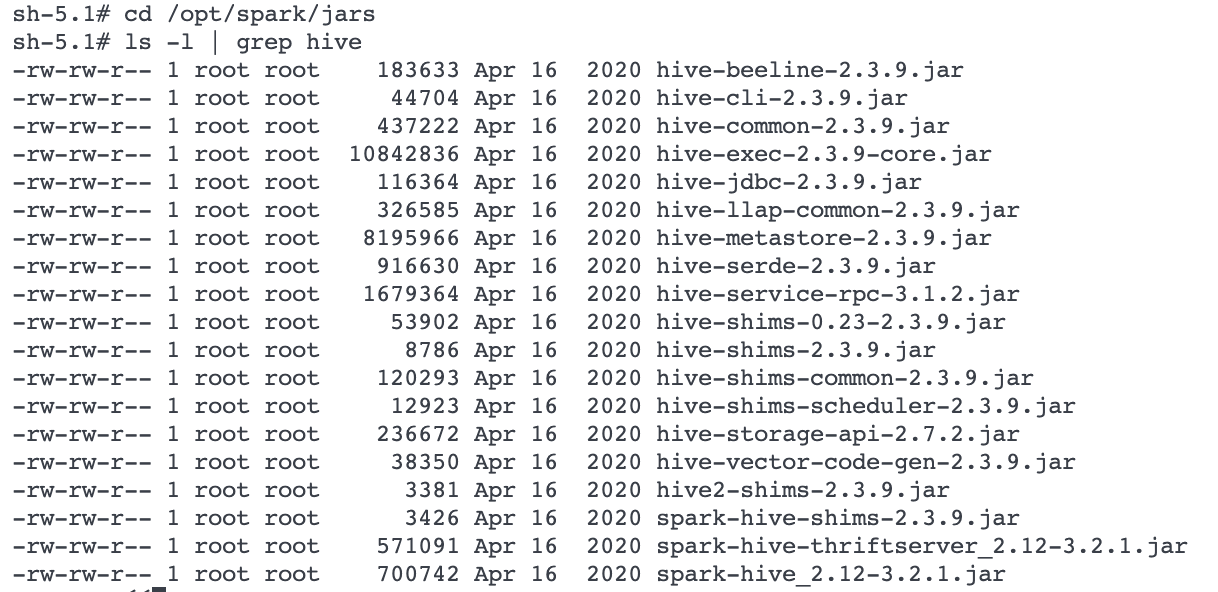
For this ETL, we will be using MongoDB as our source, we will read data from MongoDB and load data into HIVE tables. We will need all the packages for MongoDB and HIVE. With our spark instance we already have HIVE packages installed but we don’t have MongoDB packages installed, so with spark session we will pass configuration for downloading/installing MongoDB packages.
Hive packages
Starting Spark session with HIVE and MongoDB Packages
# First Load all the required library and also Start Spark Session
# Load all the required library
from pyspark.sql import SparkSession
#Start Spark Session
spark = SparkSession.builder.appName("chapter5")\
        .config('spark.jars.packages', 'org.mongodb.spark:mongo-spark-connector_2.12:3.0.1')\
        .getOrCreate()
sqlContext = SparkSession(spark)
#Dont Show warning only error
spark.sparkContext.setLogLevel("ERROR")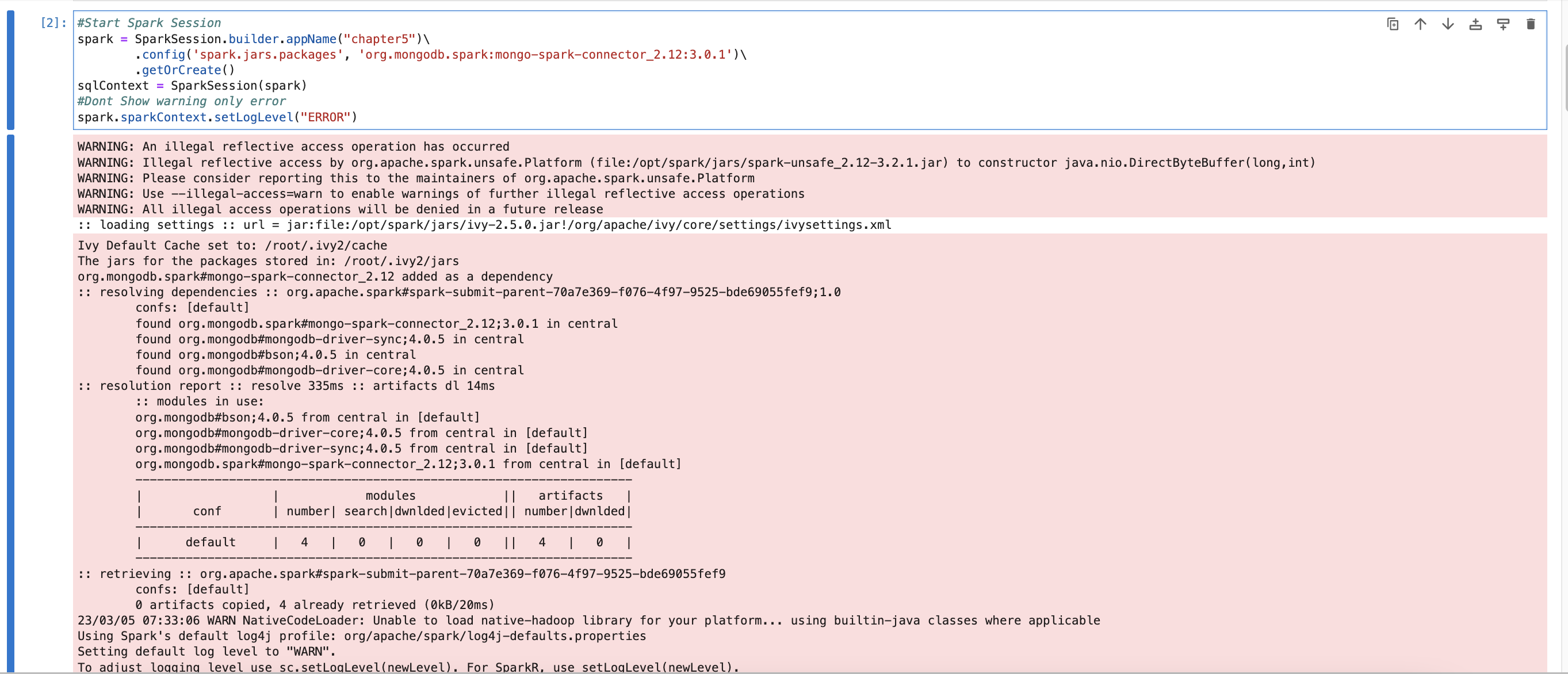
We have spark session is started with MongoDB and HIVE packages. Now we will read data from MongoDB collection.
In the last session (ETL with NoSQL), we loaded sample data into MongoDB, we read the same collection and loaded it into Spark dataframe.
mongodf = spark.read.format("mongo") \
    .option("uri", "mongodb://root:mongodb@192.168.1.104:27017/") \
    .option("database", "dataengineering") \
    .option("collection", "employee") \
    .load()
This will read data from “employee” collection and have it in “mongodf”. In the next step, we will check the schema of dataframe and also check the data in dataframe.
mongodf.printSchema()
mongodf.show(n=2)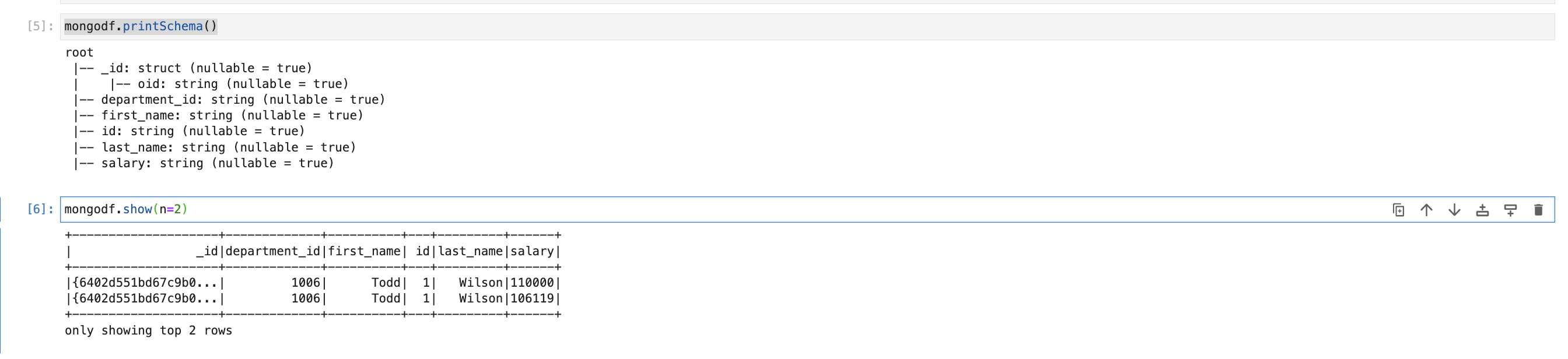
Create Hive table from dataframe
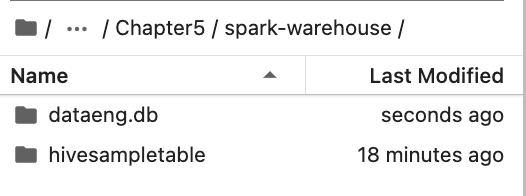
When we create HIVE tables/views, it will create “spark-warehouse” directory and store all the data into this directory. By default, the location of this directory is where we start spark session. If you want to change the location of spark warehouse directory, we need to pass that in configuration when we start spark session.
Example for changing location of warehouse directory, while starting spark session
spark = SparkSession \
    .builder \
    .appName("chapter5") \
    .config("spark.sql.warehouse.dir", warehouse_location) \
    .enableHiveSupport() \
    .getOrCreate()
Here, we are using the default location. So, for us it will create a directory in the same folder.
mongodf.write.saveAsTable("hivesampletable")This is creating warehouse directory and loading data into that.


It creates parquet files and stores data into parquet files. You can also specify the file format in which you want to store data.
Currently it supports the file formats below.
- sequencefile
- rcfile
- orc
- parquet
- textfile
- avro
Global and Temp HIVE Views
The difference between temporary and global temporary views being subtle, it can be a source of mild confusion among developers new to Spark. A temporary view is tied to a single Spark Session within a Spark application. In contrast, a global temporary view is visible across multiple Spark Sessions within a Spark application. Yes, you can create multiple Spark Sessions within a single Spark application—this can be handy, for example, in cases where you want to access (and combine) data from two different Spark Sessions that don’t share the same Hive meta store configurations.
First, we will create temp HIVE view from dataframe. (Which is having data from MongoDB Collection)
mongodf.createOrReplaceTempView("sampletempview")Now, we will create Global HIVE view using the code below.
mongodf.createOrReplaceGlobalTempView("sampleglobalview")
List database and tables in database
When we create Global or Temp view, if we don’t specify or tell to use specific database. By default, it will use “default” database. We will first check what all databases are available in our spark session.
List Databases
spark.sql("show databases").show()
or can also use pyspark command
spark.catalog.listDatabases()
Now, we will check what all tables and views are there in this database.
List tables & Views in Database
spark.sql("show tables").show()
pyspark command for same.
spark.catalog.listTables()
List details of Table or view
spark.catalog.listColumns("hivesampletable")
Read data from HIVE table
sqlContext.sql("SELECT * FROM hivesampletable").show()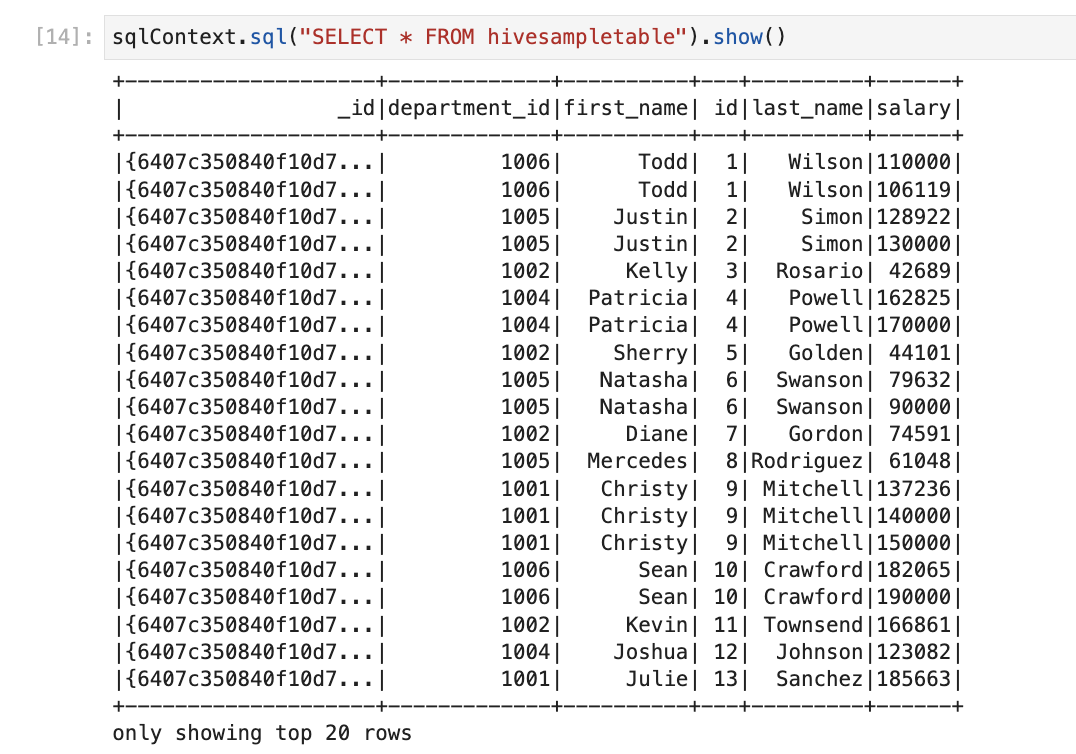
or can also use below
spark.table("sampletempview").show()
Read data from Global HIVE view
sqlContext.sql("SELECT * FROM global_temp.sampleglobalview").show()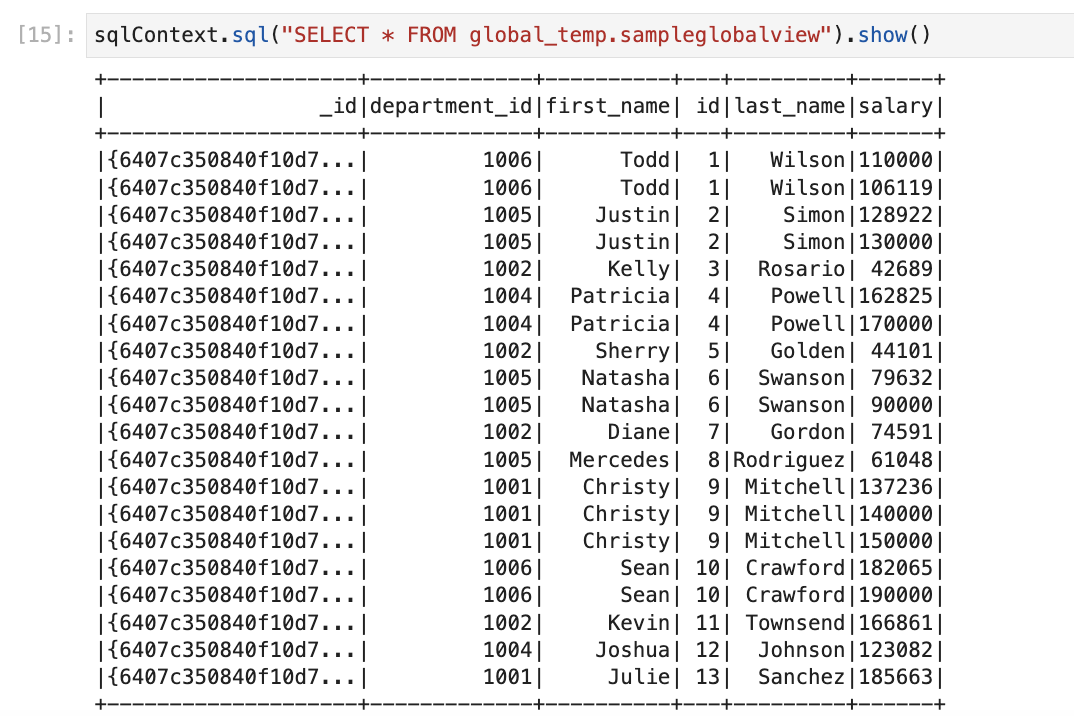
Drop all the created tables and views in default database
spark.catalog.dropGlobalTempView("sampleglobalview")
spark.catalog.dropTempView("sampletempview")
Create dataeng database and create global and temp view using SQL
spark.sql("CREATE DATABASE dataeng")
spark.sql("USE dataeng")
Here, we are creating new database named “dataeng” and asking spark to use that database for all the next operations.
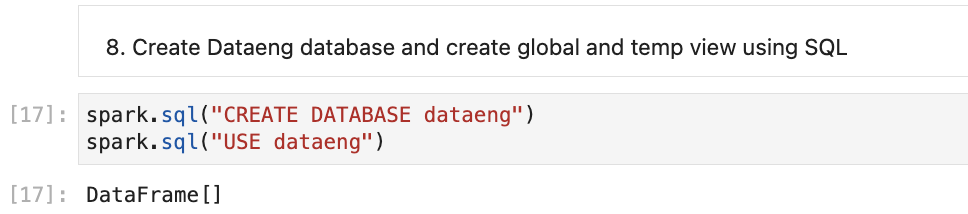
Once we do this, it will create on more directory named “dataeng” in warehouse directory
Now, if we do list of databases, it will list as below
spark.sql("show databases").show()
We will create HIVE table, HIVE temp and Global view again in this database.
mongodf.write.saveAsTable("hivesampletable")
mongodf.createOrReplaceGlobalTempView("sampleglobalview")
mongodf.createOrReplaceTempView("sampletempview")
spark.sql("show tables").show()
Access global table from other session
We have current spark session is created in “spark” variable. We will create one more session and store that into another variable named “newspark”. and then we will try to read data from global view/table.
newSpark = spark.newSession()if want to check all properties of session. We can use pass session name.
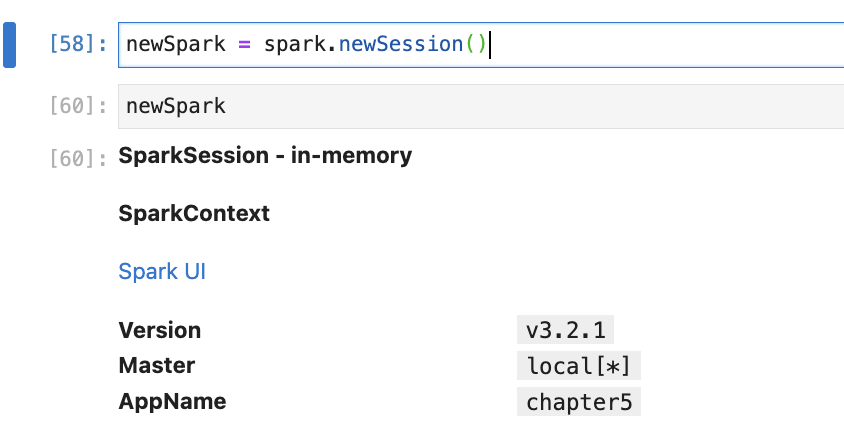
Now, with “newspark” session we will try to read data from a global view.
newSpark.sql("SELECT * FROM global_temp.sampleglobalview").show()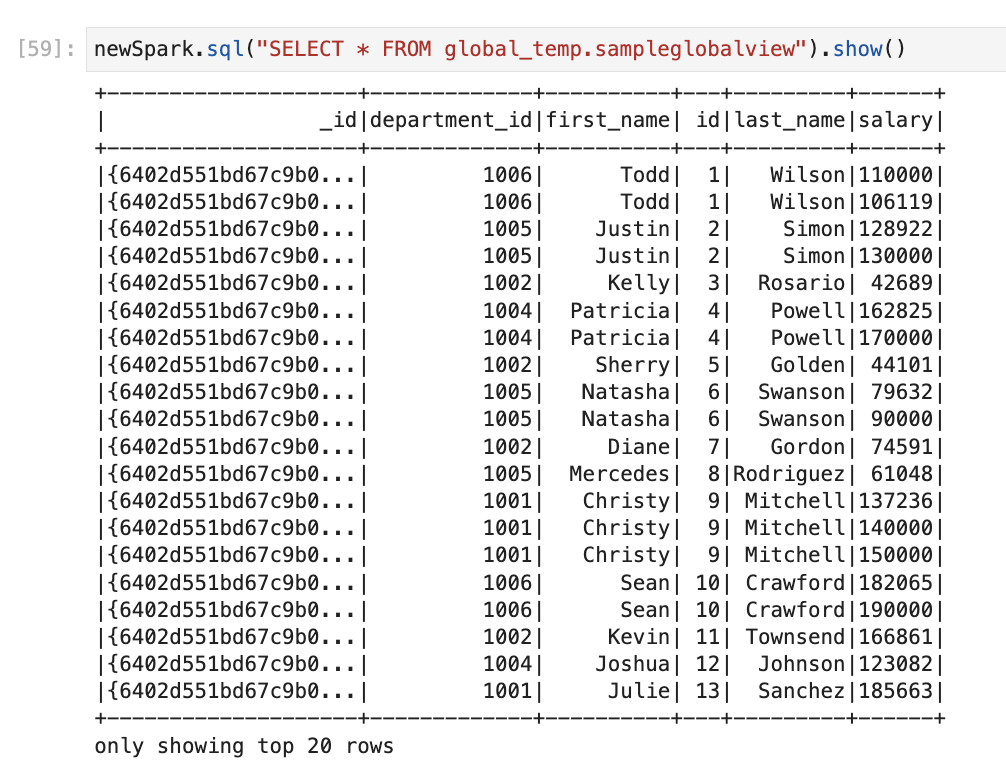
If we try to read local (temp) table or view, it will give error with new session.

Conclusion:
Here, we learned
- How to create HIVE Database
- How to create HIVE table
- How to create HIVE temp and global view
- How to do SQL transformation in HIVE views by writing SQL Queries
- How to drop tables and views
 Developers' HOME