In this blog, we will learn how to deploy spark using Docker. We will use this environment in future for learning spark and solving data engineering problems.
With Spark, we also want to install a few of the packages (connectors) so that we don’t need to install them separately. When we will learn Spark, we will mostly require packages below.
- Delta Lake
- AWS S3 (
s3a://) - Google Cloud Storage (
gs://) - Azure Blob Storage (
wasbs://) - Azure Datalake generation 1 (
adls://) - Azure Datalake generation 2 (
abfss://) - Snowflake
- Hadoop cloud magic committer for AWS
- PostgreSQL
- MySQL
- MongoDB
If we check Docker hub, we see that there are multiple options available for Spark
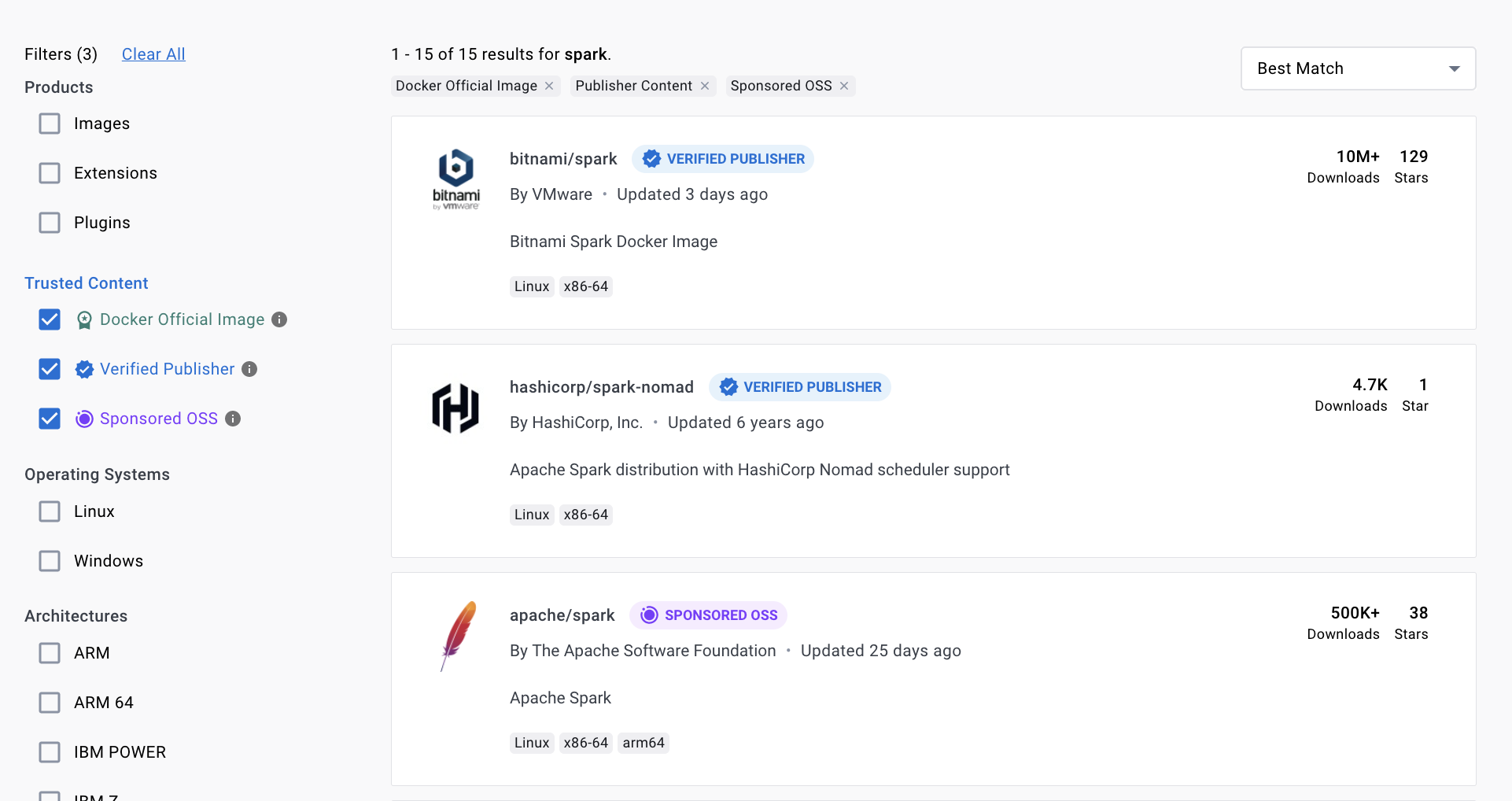
We will select below image, as it by default provides
- All the required connectors which we need
- Jupyter notebook
- Built-in with Python & PySpark support
- pip and conda (so it is easy to install additional packages)
Creating Image and container for S
We want to install a few packages and want to start Jupyter lab session. So please use below GitHub repo for deploying spark
https://github.com/shahkalpan/Spark

First, it will install datamechanics spark image, after that we are installing python packages and starting jupyter lab service.
docker build . -t sparkhome

docker image ls
Now, we will start container
docker run -p 8888:8888 --name spark -d sparkhome
In logs, we will have link for Jupyter lab

Copy and paste in browser to run pyspark session from browser

Running PySpark from browser terminal
We will go to Terminal from the option and check pyspark is properly installed or not

Running PySpark from Jupyter notebook (Browser)
Also create sample notebook to check spark is working from notebook or not

Running PySpark from VS Code
We can also connect spark session from VS Code. For that we need to install jupyter notebook plugin and need to connect remote engine and specify our spark link (with token)
Install below plugin
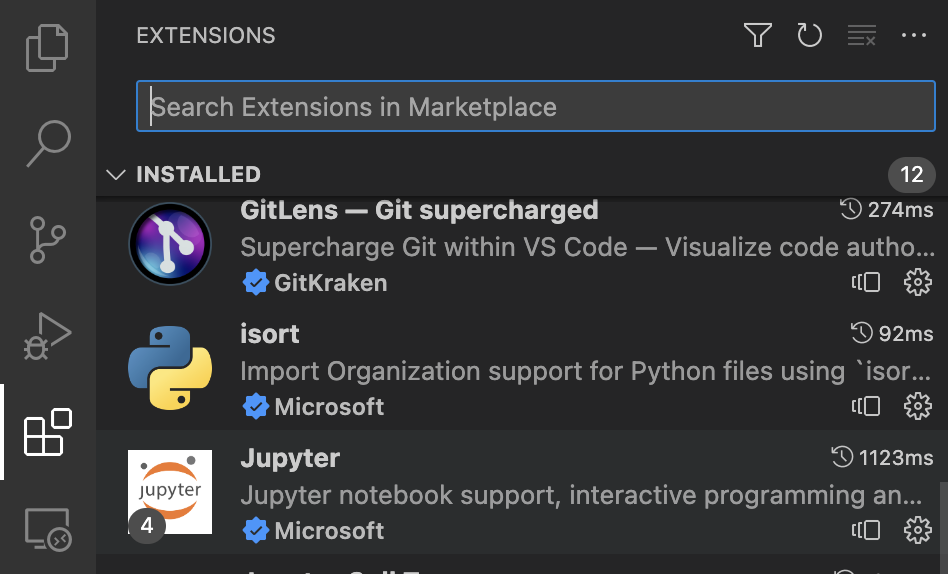
And now open our sample notebook from GitHub repo and connect to our spark instance

Once connected, on the bottom instead of Jupyter local it will show Jupyter remote.


Running PySpark from container
Go to terminal and go inside container
docker exec -it spark /bin/sh
We have spark installed and ready to use now. In the next session, we will discuss Spark basic concepts and start writing spark programs.
Also find below YouTube Video about installing Spark.
 Developers' HOME
when creating the container it throws me the following message with the command :
docker run -p 8888:8888 -p 4041:4040 -name spark -d sparkhome
Error:
2023-04-21 16:48:55 + exec /usr/bin/tini -s — /bin/sh -c ‘jupiter-lab –allow-root –no-browser –ip=0.0.0.0’
2023-04-21 16:48:55 /bin/sh: line 1: jupiter-lab: command not found
Solution:
Replace in DockerFile the line
CMD jupyter-lab –allow-root –no-browser –ip=0.0.0.0
for
CMD [“jupyter-lab”, “–allow-root”, “–no-browser”, “–ip=0.0.0.0”]
Thanks Diego, for me it worked without this but i will check again. Great you already found solution and started using it. Happy learning.
Cheers,
Kalpan